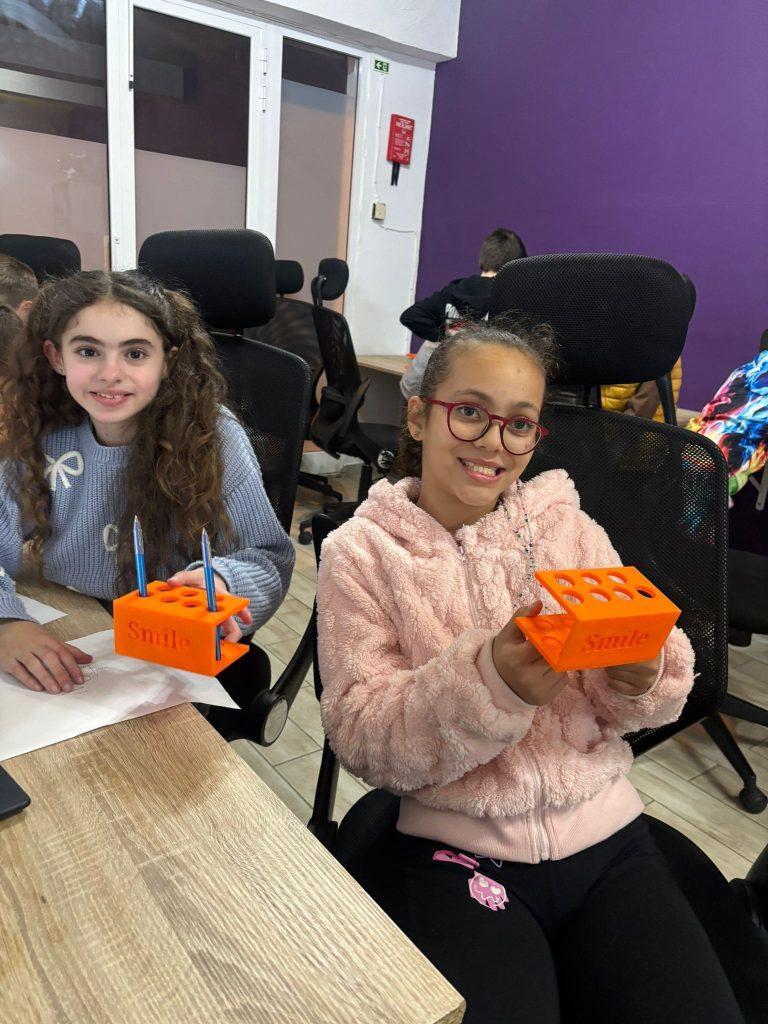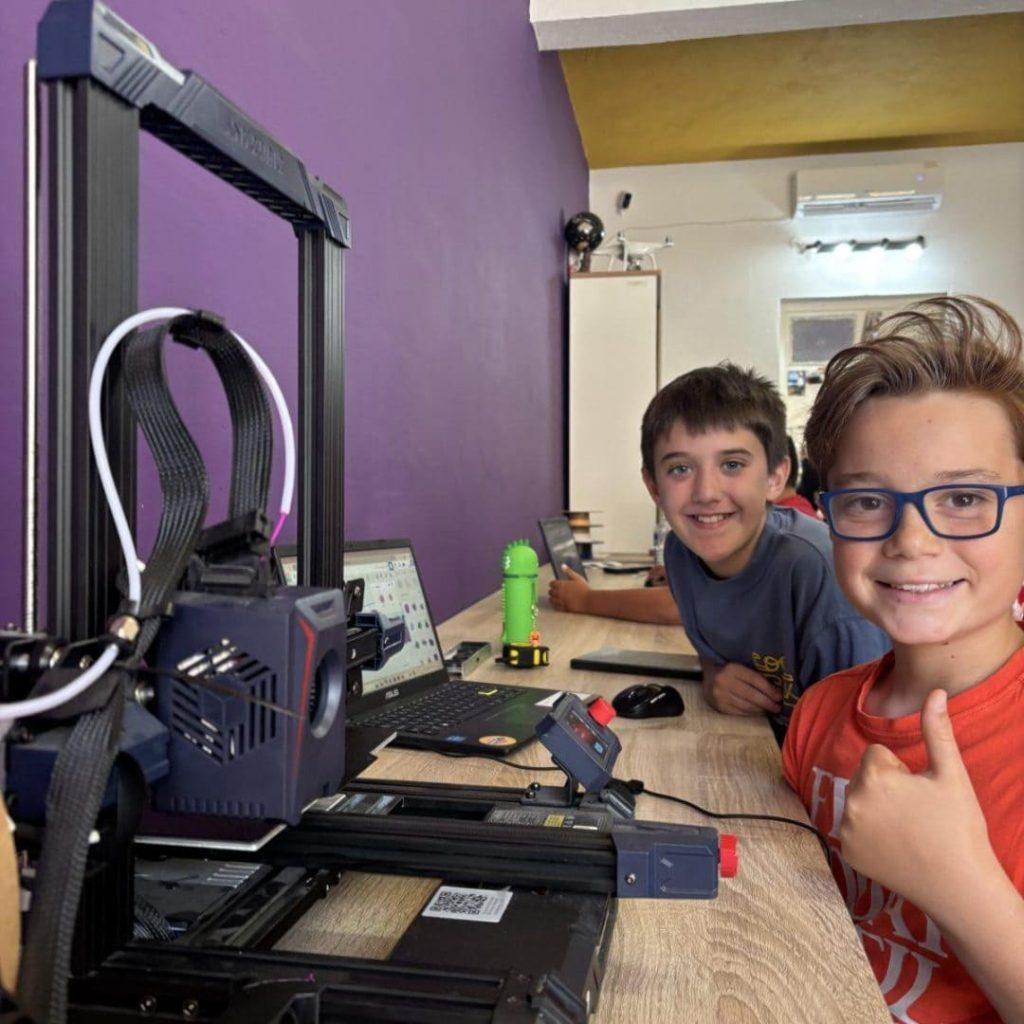

Kids are designing and printing their very own creations again this month, as our 3D Printing course kicked off on 24th July.
Over the course, kids go from a blank screen to a finished, physical object they’ve designed themselves, learning the basics of digital design along the way and watching their ideas turn into something they can actually hold.
What Kids Learn
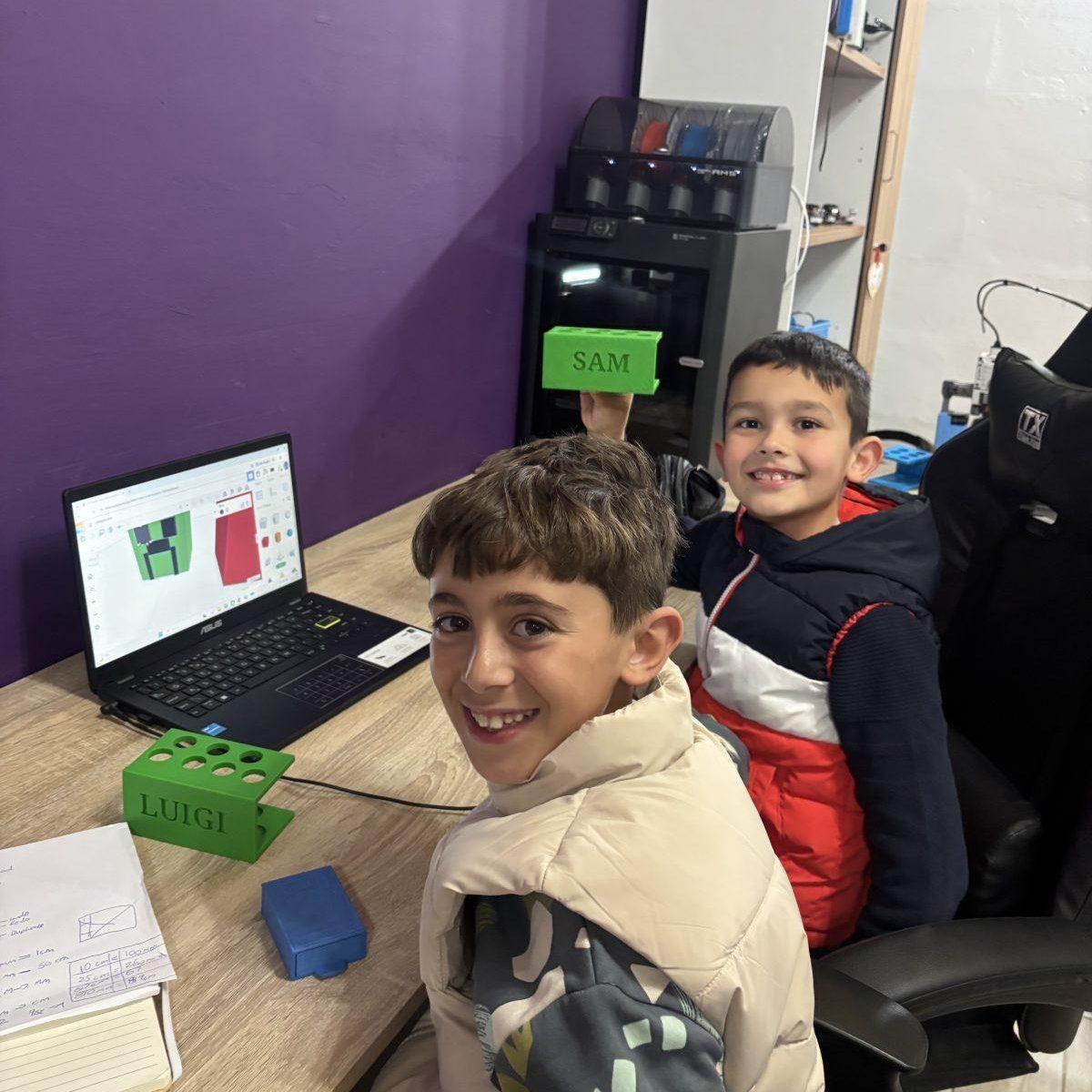
3D Design Students learn to design their own 3D models using Tinkercad, in a simple, beginner-friendly way. No prior experience needed. Tinkercad is a free, browser-based design tool where kids build models by combining and shaping basic 3D blocks, making it an accessible way to get started with digital design.
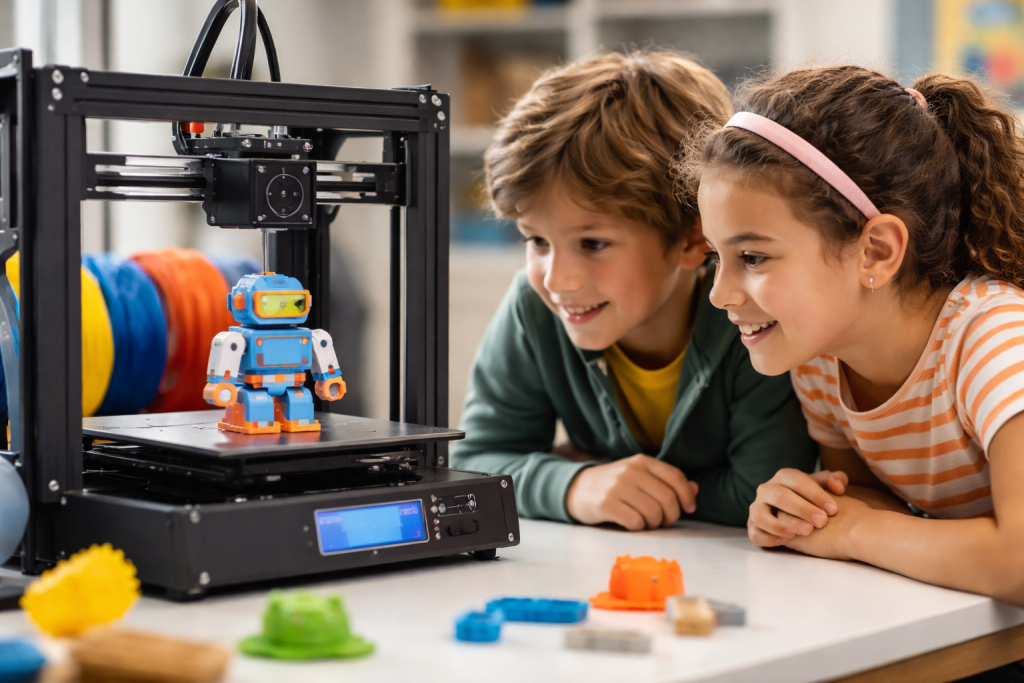
Hands-On Activities Children work directly with real 3D printers, watching their designs come to life layer by layer and understanding how a digital design becomes a physical object.
Take-Home Projects Each student prints and takes home their own custom-designed creation, a hands-on reward for the work they put in.
What Kids Gain From 3D Printing
Beyond the finished object, 3D printing gives kids a hands-on way to build skills that go well beyond the course itself.
Logical Thinking Designing something in Tinkercad means planning it out step by step: deciding what shape to start with, how to combine or adjust it, and in what order those steps need to happen for the final model to come together. That kind of step-by-step planning is the same kind of thinking behind logical reasoning and, later on, coding.
Problem-Solving Not every design works the way a child first imagines it. A shape might not fit, a piece might be too thin to print properly, or a model might not look quite right from another angle. Working through those moments, figuring out what went wrong and adjusting the design, is problem-solving in action, just with a 3D model instead of a worksheet.
Spatial Reasoning Designing in 3D is a different kind of thinking than drawing on paper. Kids have to picture how their model looks from every angle, not just the one they’re looking at on screen, and understand how the different parts of a shape relate to each other in space. That skill, mentally rotating and visualising objects, is spatial reasoning, and it’s a skill that also shows up later in subjects like geometry and engineering.
Patience and Focus Good designs rarely come together on the first try. Kids often need to tweak a model a few times, and then wait for it to print layer by layer before they can hold the finished result. Sticking with a project through that process helps build patience and focus, skills that carry over well beyond the classroom.
New: Extended Lessons
For this round, we’re introducing Extended Lessons, an optional add-on that gives kids an extra 30 minutes after each hour-long session.
This extra time gives kids the chance to keep working on their project, start a new one, or get some more individual attention from an instructor while they create.
Is This Course Right for Your Child?
If your child is curious about how things are made, enjoys building and designing, or just wants to spend four weeks doing something genuinely hands-on, this course is worth looking into.
Interested in joining? Visit the course page for the latest course dates and registration information.